
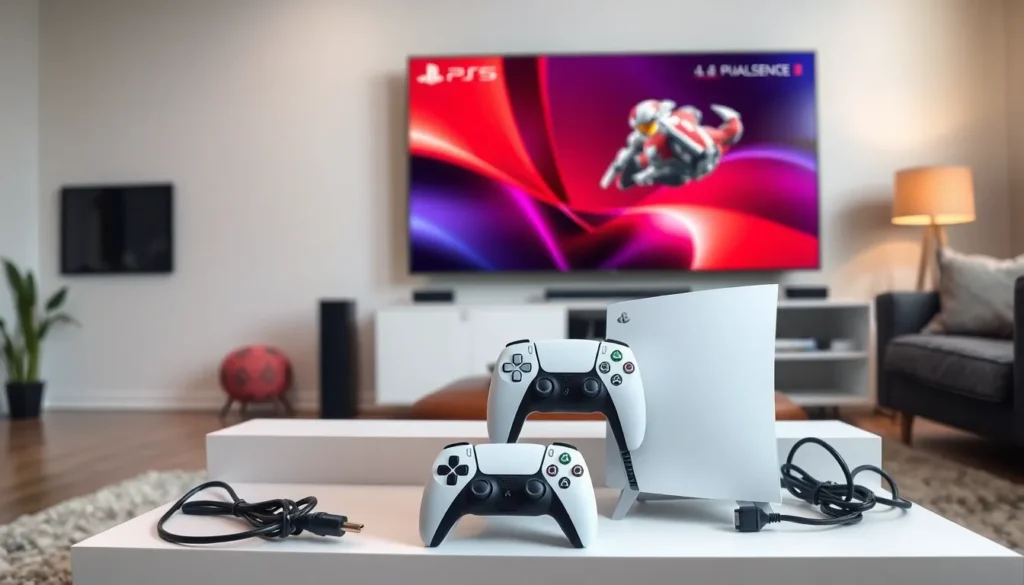
Setting up a PS5 is like preparing for a thrilling adventure, and trust us, you don’t want to be the hero who forgets to read the map. With its sleek design and cutting-edge technology, this console promises to elevate gaming to a whole new level. But before diving into a world of epic quests and high-octane battles, it’s crucial to get everything right from the start.
Getting Started With PS5 Setup
To begin the PS5 setup, gather the necessary components. This includes the console itself, power cord, HDMI cable, and the DualSense controller. Placing the PS5 in a well-ventilated area allows for optimal airflow and cooling.
Next, connect one end of the power cord to the console and the other end to a power outlet. After that, plug the HDMI cable into the HDMI port on the PS5 and connect the other end to the TV’s HDMI input. Ensuring the TV is powered on and set to the correct source is important, as this will allow the PS5 to display on the screen.
Turning on the console involves pressing the power button located on the front of the device or the PlayStation button on the controller. Upon startup, follow the on-screen prompts to complete the initial configuration. Selecting the preferred language and connecting to Wi-Fi are primary tasks during this phase.
Setting up an account or signing in to an existing PlayStation Network account is the next step. Users can create an account directly from the console if they do not have one. Accessing the PlayStation Store requires a network connection, so confirming the connection is essential.
Updating the system software ensures the latest features and enhancements are available. The PS5 typically prompts for updates automatically. However, if it doesn’t, users can navigate to Settings, then System Software, to check for updates manually.
At this point, users can adjust settings such as screen resolution, audio output, and accessibility options. Customizing these features personalizes the gaming experience. Once these steps are complete, players can immerse themselves in the diverse range of gaming experiences that the PS5 offers.
Unboxing Your PS5
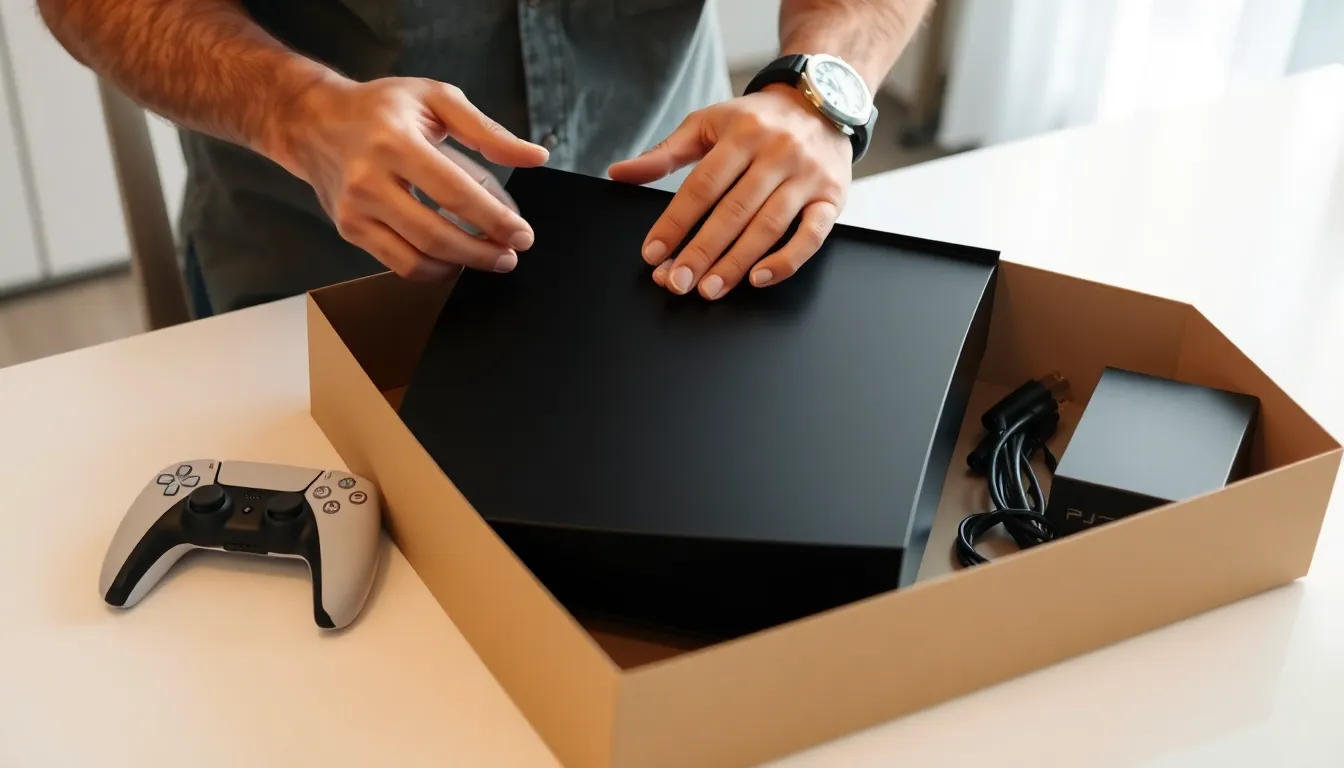
Unboxing the PS5 is the first step toward an exhilarating gaming experience. Handling each component with care ensures that everything is ready for setup.
Checking the Contents
Check the contents of the box immediately. You’ll find the PS5 console, the power cord, an HDMI cable, and the DualSense controller. Look for documentation, which includes the quick start guide. Verify that your box includes the stand if you plan to position the console vertically. Ensure all parts are present before proceeding.
Initial Impressions
Initial impressions of the PS5 are striking. The console features a sleek design with a modern aesthetic. Its size may catch the eye, as it’s one of the largest gaming consoles on the market. Feel how the weight adds a sense of quality. DualSense controller offers a comfortable grip, and its innovative design highlights advanced features. Excitement builds as you consider the gaming possibilities that await.
Setting Up Your PS5
Gather essential components for setup: the console, power cord, HDMI cable, and DualSense controller. Position the PS5 in a well-ventilated area for optimal airflow. Connect the power cord and HDMI cable to the console and TV, ensuring the TV displays the correct source. Turn on the console to initiate the setup process.
Follow the on-screen prompts to complete the initial configuration. Start by selecting a preferred language and connecting to a Wi-Fi network. Create or log into a PlayStation Network account. This step is crucial for accessing various online features, including the PlayStation Store.
Updating the system software follows, allowing users to access the latest features. Customize settings like screen resolution and audio output to improve gaming experiences. Adjusting these options enhances gameplay quality and visual performance.
Unboxing the PS5 adds excitement to the setup. Check the box contents carefully to ensure all items are present, including the console, power cord, HDMI cable, DualSense controller, and documentation. First impressions highlight the console’s sleek design and substantial size, emphasizing quality. Appreciate the DualSense controller for its comfortable grip and innovative features, creating anticipation for engaging gaming experiences.
Completing these steps equips players to dive into the wide array of gaming possibilities the PS5 offers. Enjoy the seamless transition into gameplay as each adjustment fine-tunes the gaming environment.
Connecting Your PS5 to Your TV
Connecting the PS5 to a TV is a straightforward process. Begin by locating the appropriate HDMI port on the TV for optimal performance.
Recommended HDMI Ports
HDMI 2.1 ports deliver the best video quality with support for 4K resolution at 120Hz. Devices often include multiple HDMI ports, but only select ones may support the full capabilities of the PS5. Checking the TV’s manual is essential to confirm which HDMI ports meet these specifications. Additionally, using a high-speed HDMI cable enhances data transfer, ensuring that features like VRR (Variable Refresh Rate) operate smoothly.
Adjusting Screen Settings
Adjusting screen settings improves the gaming experience significantly. After connecting the PS5, navigate to Display Settings in the console menu. Selecting 4K resolution enables sharper visuals. It’ll also activate HDR if the TV supports it, producing more vibrant colors. Further, enabling 120Hz output ensures fluid motion during gameplay. Players might also benefit from adjusting the screen size and overscan settings for an optimal fit on their display.
Configuring Your PS5 System
Configuring the PS5 system requires a few straightforward steps to enhance gaming experiences. Users can begin by creating or logging into their PlayStation Network account.
Creating or Logging Into a PlayStation Network Account
Creating a PlayStation Network account remains essential for accessing online features. If users don’t have an existing account, they must navigate to the sign-up option and follow prompts to provide necessary information, such as email and password. After account creation, they can verify their email to activate their account. For those with an established account, logging in involves entering the registered email and password. Users enjoy benefits like accessing the PlayStation Store, managing game downloads, and connecting with friends once logged in.
Updating the System Software
Updating the system software ensures the latest features and improvements are available. Accessing the settings menu allows users to find the system software update option. The console quickly checks for available updates and prompts users to download them if necessary. Staying up-to-date with software enhances performance and resolves potential issues. It’s also crucial for maintaining security, as each update includes patches and enhancements. Completing the update process often leads to a smoother gaming experience with optimized gameplay performance.
Personalizing Your PS5 Experience
Personalizing the PS5 experience enhances gameplay enjoyment. Users can tailor settings to fit their preferences and make gaming more immersive.
Setting Up User Profiles
Create unique user profiles to manage individual gaming experiences. Profiles allow players to track progress, achievements, and preferences. Setting up a profile requires selecting the user icon on the main menu and choosing the option to create a new user. Custom avatars and names personalize each account, making navigation friendly. Multiple profiles, up to 16, promote diverse gaming experiences for family or friends. Managing these profiles enhances social interactions, enabling easy switching while keeping progress in check.
Choosing Your Display Preferences
Selecting the right display settings optimizes the visual experience. Start by navigating to Settings and then Display. Users can adjust screen brightness, resolution, and HDR settings for enhanced visuals. 4K resolution and HDR offer vibrant color and detail. Users should confirm the TV’s compatibility to ensure the best performance. Adjusting screen size and overscan settings accommodates different display types. Tailoring these preferences elevates the realism of the gaming environment, making every session visually stunning.
Setting up a PS5 is more than just connecting wires; it’s about creating an immersive gaming environment. By ensuring all components are correctly placed and configured, players can unlock the console’s full potential. Customizing settings and personalizing user profiles enhances the overall experience, making each gaming session unique.
Taking the time to follow the setup steps carefully pays off in the long run. A well-prepared PS5 setup leads to smoother gameplay and more enjoyable interactions with friends and family. With the right adjustments, players can dive into the stunning worlds that await them, ready to embrace every adventure the PS5 has to offer.


